Difference between revisions of "TensorBoard"
m |
m |
||
| Line 31: | Line 31: | ||
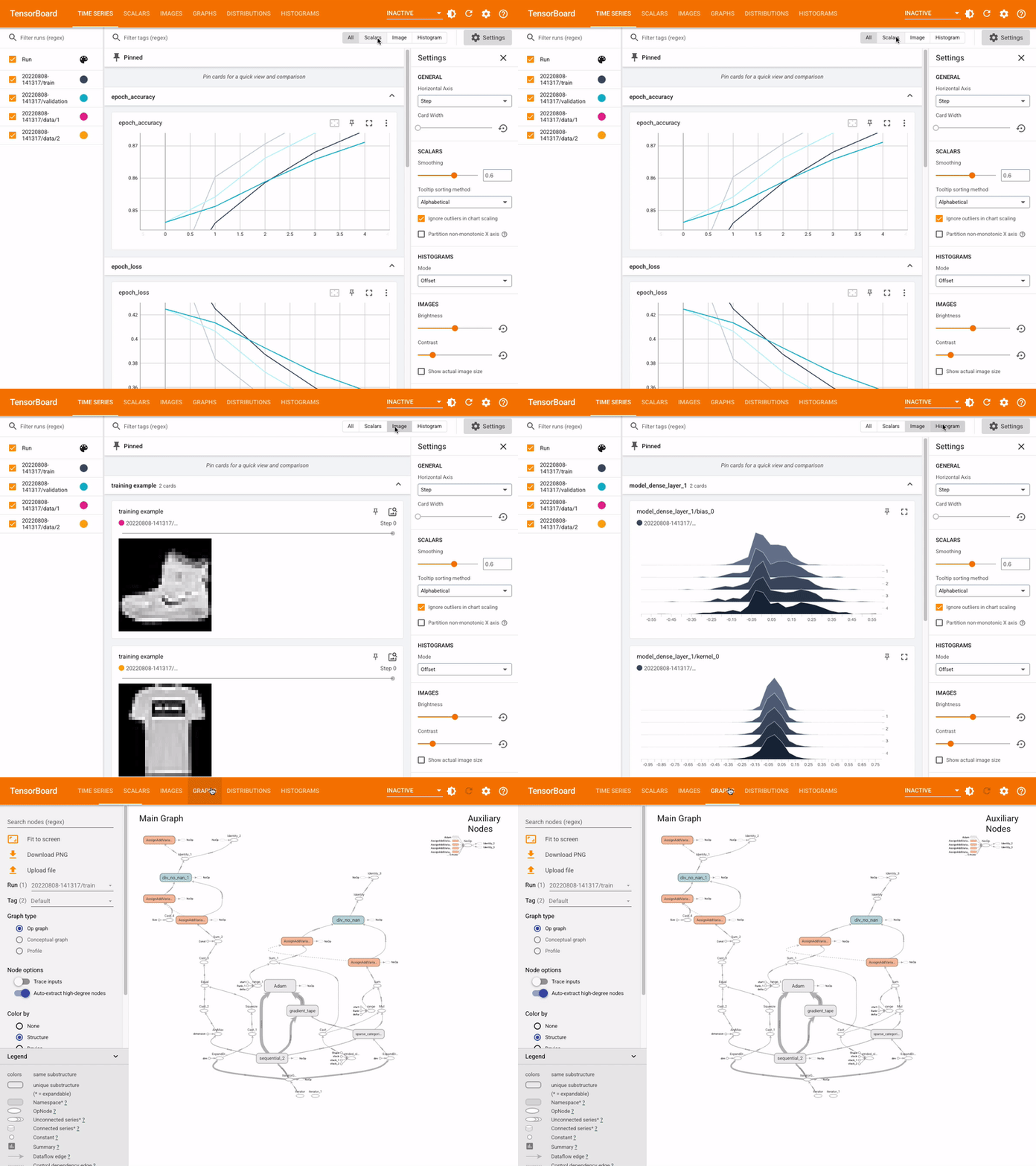
<img src="http://www.tensorflow.org/tensorboard/images/tensorboard.gif" width="900"> | <img src="http://www.tensorflow.org/tensorboard/images/tensorboard.gif" width="900"> | ||
| + | |||
| + | |||
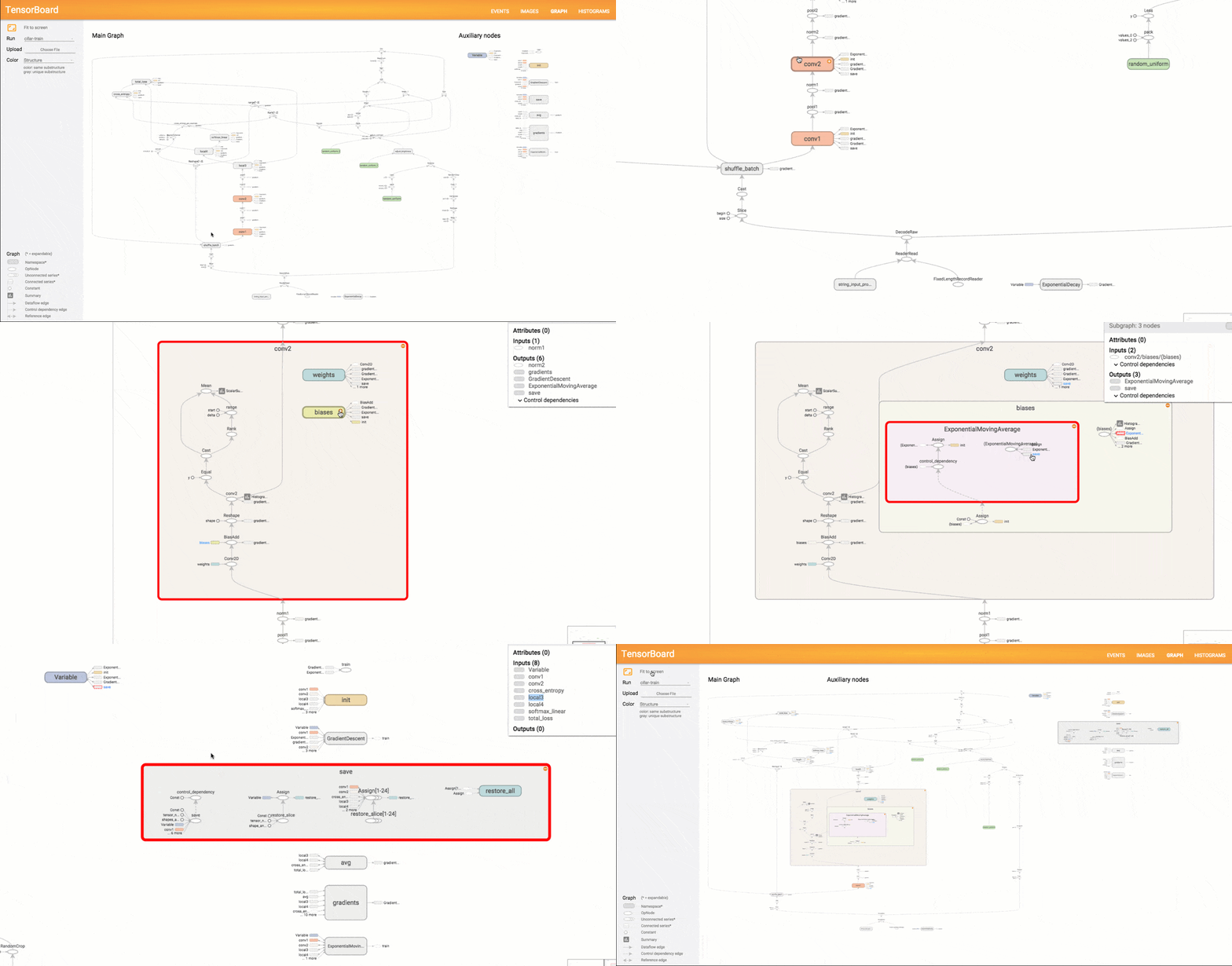
<img src="https://content.altexsoft.com/media/2018/05/TensorBoard_graph_vis_animation.gif" width="900"> | <img src="https://content.altexsoft.com/media/2018/05/TensorBoard_graph_vis_animation.gif" width="900"> | ||
Revision as of 18:07, 28 April 2023
YouTube search... ...Google search
- TensorBoard | Google ...TensorFlow's visualization toolkit
- TensorFlow
- TensorFlow Playground
- TensorBoard: Graph Visualization
- Neural Networks Playground
- Visualization
- Colaboratory (Colab)
- Data Flow Graph (DFG)
- TensorWatch
- Principal Component Analysis (PCA) ...linear
- T-Distributed Stochastic Neighbor Embedding (t-SNE) ...non-linear
- Graphical Tools for Modeling AI Components
- Visualizing Dataflow Graphs of Deep Learning Models in TensorFlow | K. Wongsuphasawat, D. Smilkov, J. Wexler, J. Wilson, D. Mane, D. Fritz, D. Krishnan, F. Viegas, and M. Wattenberg
In machine learning, to improve something you often need to be able to measure it. TensorBoard is a tool for providing the measurements and visualizations needed during the machine learning workflow. It enables tracking experiment metrics like loss and accuracy, visualizing the model graph, projecting embeddings to a lower dimensional space, and much more. provides the visualization and tooling needed for machine learning experimentation:
- Tracking and visualizing metrics such as loss and accuracy
- Visualizing the model graph (ops and layers)
- Viewing histograms of weights, biases, or other tensors as they change over time
- Projecting embeddings to a lower dimensional space
- Displaying images, text, and audio data
- Profiling TensorFlow programs